How to use the platform
Clear steps for setup, assets, maintenance, support, and data care.
These pages are safe to read before signing in. Each guide starts with the level of access normally needed, then gives practical steps without private customer data or sensitive setup details.
What you can do in AssetMaintainIQ
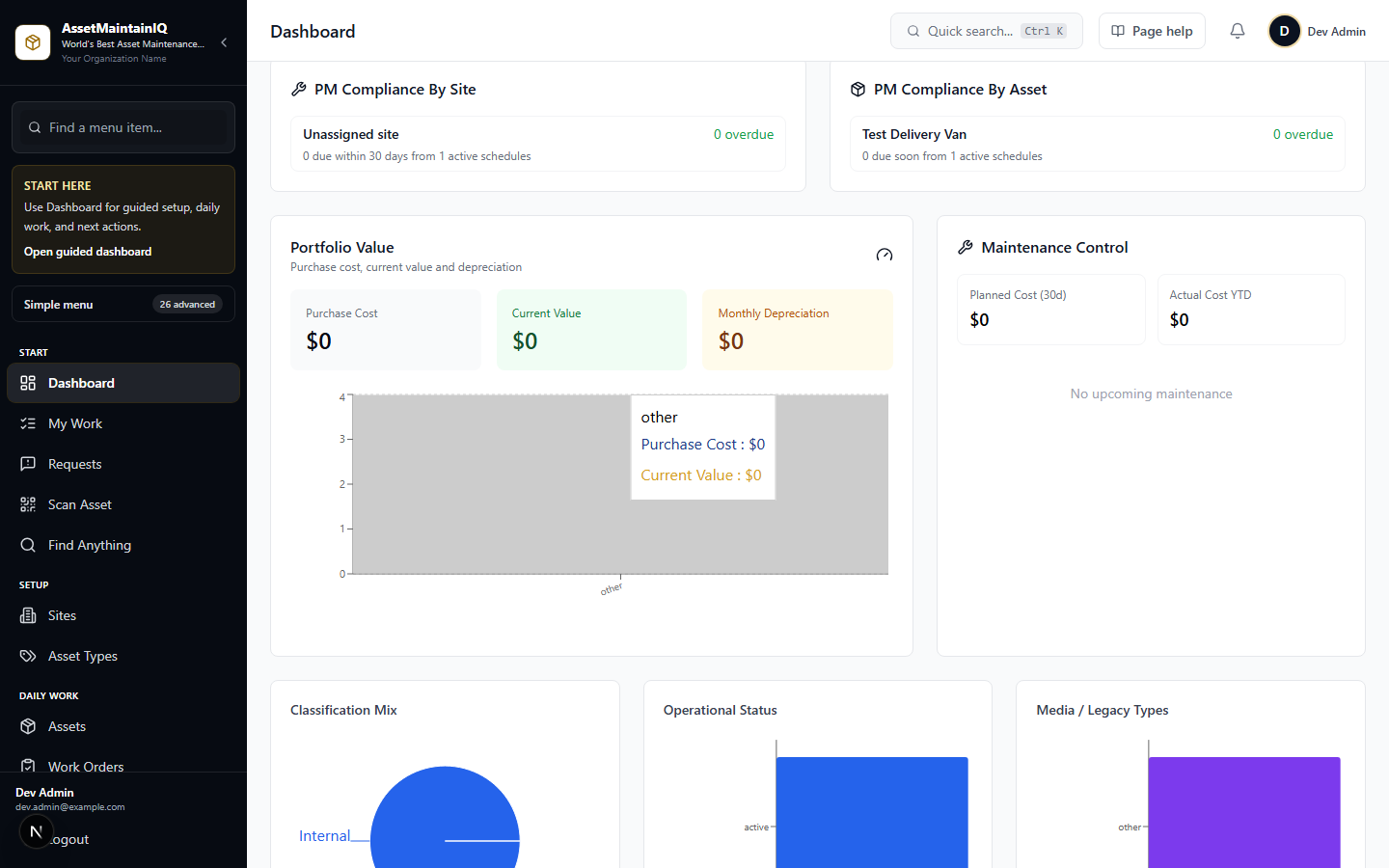
Use this overview when you are unsure where to start. The sidebar is arranged around the same flow: start work, manage assets and places, run maintenance, handle vendors and buying, then review governance and insights.
Start and invite
Create a tenant workspace, choose country/contact details, verify email or use Gmail sign-up, then invite staff into role-based access.
Assets and locations
Register assets, choose asset types, upload photos/documents, assign sites and rooms, print labels, scan QR codes, and track custody.
Requests and work orders
Accept public requester issues, convert tickets to work orders, assign staff, schedule PM, capture technician updates, and verify completion.
Vendors and purchasing
Dispatch external providers with expiring links, collect public-safe updates and invoices, approve/reject submissions, hand off POs, and record payment evidence.
Notifications and safety
Configure tenant-branded wording, requester opt-in updates, staff/vendor/purchasing templates, provider routing, retries, fallback analytics, and audit history.
Reports and governance
Review dashboards, vendor SLA metrics, inventory risk, compliance evidence, access requests, audit logs, exports, backups, and subscription usage.
Frequently Asked Questions
Common questions from people evaluating or just getting started with the platform.
Yes. You can create a workspace and start registering assets and sites without a procurement cycle. Upgrade to a paid package when you need more users, sites, storage, or optional capabilities such as tenant backup and restore.